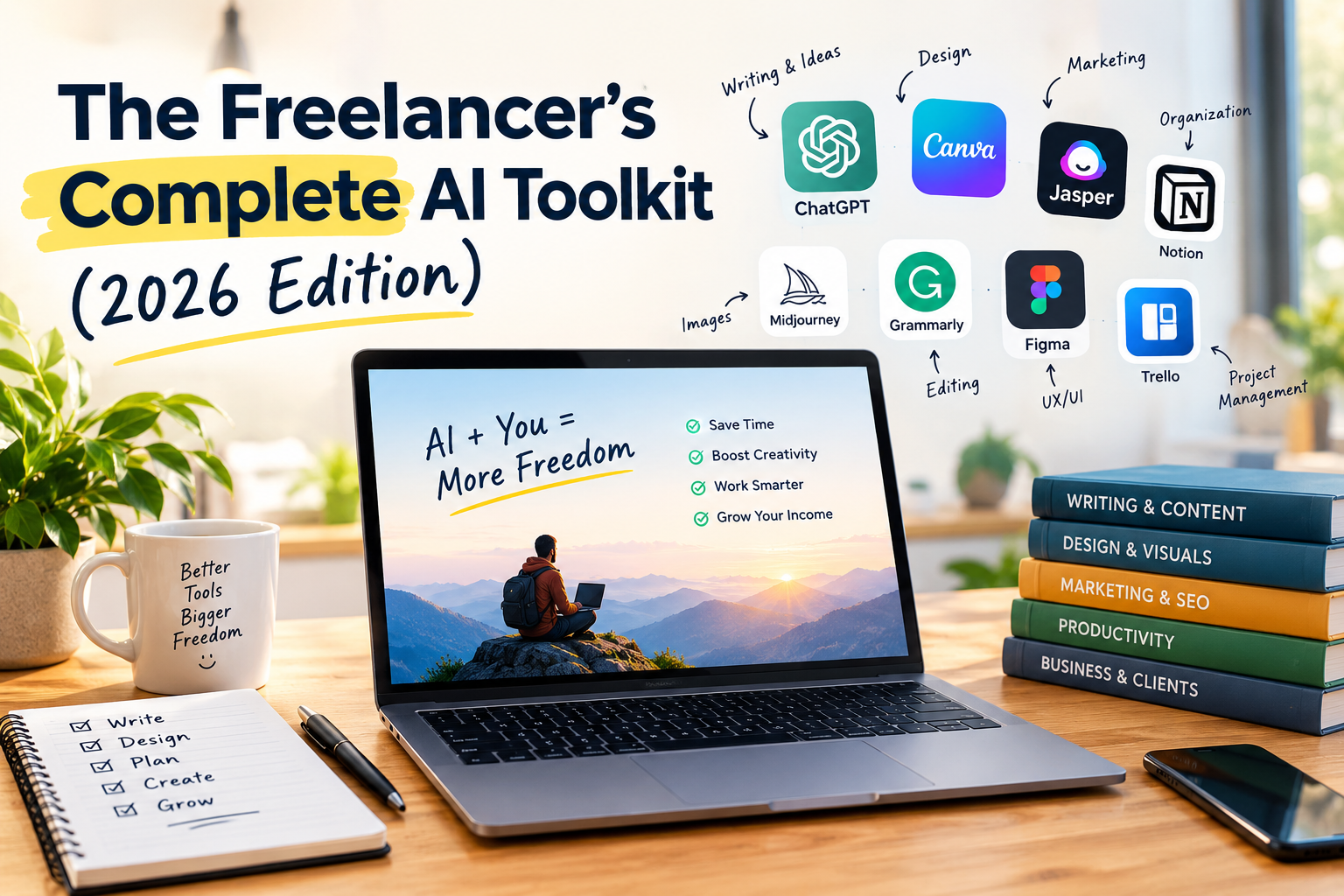
A good freelancer AI toolkit isn’t a collection of every app that launches. It’s a small, deliberate set of tools that saves you hours of work every week, without adding subscriptions you barely use.
The payoff can be real. Upwork’s Future Workforce Index 2026 found that freelancers doing AI work on its marketplace earn 34% more per hour than those not incorporating AI. But the same research found that simpler AI execution work is becoming less lucrative as it scales. The winners aren’t freelancers who use the most AI tools. They’re the ones who use the right tools to deliver more valuable work.
This guide covers the core tools in each category, their costs, and ready-made stacks for every budget and freelance specialty. Looking for a broader overview first? See the essential AI tools for freelancers.
Quick Answer: What AI tools does every freelancer need? Most freelancers need four things: a general AI assistant (ChatGPT, Claude, or Gemini), an editing tool (Grammarly), a design tool (Canva), and an automation tool (Zapier or Make). All four have free plans, so you can build a working AI toolkit for $0 and upgrade only where you hit limits.
The Freelancer AI Toolkit at a Glance
| Category | Top Picks | Free Option | Paid From |
|---|---|---|---|
| AI assistant | ChatGPT, Claude, Gemini | Yes, all three | $8/month (ChatGPT Go, U.S.) |
| Copywriting | Rytr, Copy.ai, Jasper | Rytr only | $7.50/month (Rytr, annual) |
| Editing | Grammarly | Yes (100 AI prompts/month) | $12/month (annual) |
| SEO content | Writesonic, Surfer SEO | Limited | $39/month (Writesonic Lite, annual) |
| Ad copy | Anyword | 7-day trial | $39/month (annual) |
| Design | Canva | Yes (limited AI) | $18/month; annual pricing varies by region |
| Social media | Buffer | Yes (3 channels) | Paid plans available |
| Meeting notes | Otter.ai | Yes (300 minutes/month) | $8.33/month (annual) |
| Automation | Zapier, Make, n8n | Yes, all three | Varies by usage |
Table: Core AI tools for freelancers by category. U.S. prices checked September 2026. Confirm current pricing on each vendor’s site.
1. Your Core AI Assistant: ChatGPT, Claude, or Gemini
Every freelancer AI toolkit starts with a general assistant. It’s the tool you’ll use most: drafting proposals, answering client emails, brainstorming, summarizing documents, and writing first drafts.
| Assistant | Best For | Free Plan | Paid Plan |
|---|---|---|---|
| ChatGPT | All-around versatility | Yes (with ads) | Go $8/month; Plus $20/month |
| Claude | Long-form writing and natural tone | Yes | Pro $17/month annual or $20 monthly |
| Gemini | Google users and research | Yes | Google AI Pro $19.99/month |
Table: General AI assistants compared.
Our advice: Pick one as your main assistant, and pay for it only when you regularly hit the free plan’s limits. Paying for two assistants that do the same job is the most common way freelancers overspend. For a head-to-head on writing quality, see ChatGPT vs Claude for marketing copy.
2. Copywriting and Content Tools
If writing is a big part of your work, a dedicated copywriting tool can add templates, brand voice features, and team options that general assistants lack.
- Rytr is the budget pick, with a free plan (10,000 characters/month) and unlimited generation from $7.50/month billed annually. Read our Rytr review.
- Copy.ai includes 5 seats on its $29/month Chat plan, which is useful if you work with subcontractors.
- Jasper suits freelancers doing heavy marketing work for brands, with strong brand voice tools. Pro costs $59/month billed annually for one user. Read our Jasper AI review.
- Anyword predicts how ad copy will perform before you publish. Read our Anyword review.
For a full side-by-side breakdown, see our AI copywriting software comparison. To make any of these tools sound like you or your clients, follow our guide to training AI on your brand voice.
3. Editing and Proofreading: Grammarly
Grammarly catches the mistakes that slip past both you and your AI assistant. Its free plan includes spelling and grammar corrections, tone detection, and 100 AI prompts per month, and it works in your browser and as a desktop app. Pro costs $12/month billed annually (or $30 monthly) and adds full-sentence rewrites and plagiarism detection.
Why it belongs in your toolkit: Clients judge you on polish. A final Grammarly pass on every deliverable is cheap insurance.
4. SEO Content Tools
If you write blog posts or web content for clients, an SEO tool helps your work rank, and ranking content is what clients pay a premium for.
- Surfer SEO grades your content against top-ranking pages. Read our Surfer SEO review.
- Writesonic combines an AI article writer with SEO tools, and adds AI search visibility tracking on higher plans. Lite starts at $39/month billed annually. Read our Writesonic review.
For a broader look, see our ranking of the best AI tools for blog writing.
5. Design and Social Media Tools
Canva is the go-to design tool for non-designers. Its free plan includes the design editor, templates, and limited AI tools, such as Magic Write. Pro costs $18/month in the U.S., with a discount for annual billing (annual pricing varies by region, so check Canva’s pricing page for yours). Pro adds Brand Kit, Magic Resize, and more AI usage.
Buffer handles social scheduling. Its free plan covers 3 channels with up to 10 scheduled posts per channel and includes an AI Assistant for drafting and repurposing posts.
OpusClip and similar AI clipping tools turn long videos into short, captioned clips for Reels, Shorts, and TikTok.
For a complete workflow, see our guide on using AI for social media content creation.
6. Meeting Notes: Otter.ai
Client calls are where projects are won, scoped, and changed. An AI note-taker means you can focus on the conversation instead of typing.
Otter.ai’s free plan includes 300 transcription minutes per month, with each conversation capped at 30 minutes. Pro costs $8.33/month billed annually (or $16.99 monthly) and raises the limit to 1,200 minutes per month with up to 90 minutes per conversation. See Otter’s pricing page for current details.
Tip: Always tell clients when you’re recording or transcribing a call, and get their consent. Some clients and some jurisdictions require it.
7. Automation: Zapier, Make, or n8n
Automation tools connect your apps so that repetitive tasks happen automatically, like sending new inquiries to your project tracker or turning published posts into social drafts.
| Tool | Free Plan | Best For |
|---|---|---|
| Zapier | 100 tasks/month, two-step workflows | Beginners who want the easiest setup |
| Make | 1,000 credits/month, 2 active scenarios | Multi-step workflows on a budget |
| n8n | Free Community Edition when self-hosted | Technical users who want full control |
Table: Automation tools compared.
For step-by-step setup instructions, see our guide on automating your content workflow with AI.
8. Specialized Tools by Freelance Type
Your specialty determines which extra tools are worth it. Explore our dedicated guides:
- Developers: Best AI tools for writing code
- Consultants: Best AI tools for consultants
- Authors: Best AI tools for writing a book
- Researchers and academic writers: Best AI tools for writing research papers
- Everyone: Best AI tools for email writing and best AI tools for resume writing
Freelancer AI Stacks by Budget
The $0 Freelancer AI Stack
| Job | Tool |
|---|---|
| Writing and research | ChatGPT Free, Claude Free, or Gemini |
| Short-form copy | Rytr Free |
| Editing | Grammarly Free |
| Design | Canva Free |
| Social scheduling | Buffer Free |
| Meeting notes | Otter.ai Free |
| Automation | Zapier or Make Free |
Table: A complete freelancer AI toolkit using only free plans.
This stack covers most freelancers’ needs as you get started. See our full guide to the best free AI copywriting tools.
The Essentials Freelancer AI Stack (About $17–$20/month)
Upgrade only your main AI assistant (Claude Pro at $17/month billed annually, or ChatGPT Plus at $20/month), and keep everything else on free plans. For most freelancers, this single upgrade delivers the biggest jump in capability.
The Pro Freelancer AI Stack (About $49–$55/month)
| Tool | Monthly Cost |
|---|---|
| Claude Pro (annual) | $17 |
| Canva Pro | About $12–$15 on annual billing, or $18 monthly |
| Grammarly Pro (annual) | $12 |
| Otter.ai Pro (annual) | $8.33 |
| Buffer Free, Zapier or Make Free | $0 |
| Total | About $49–$55 |
Table: A paid freelancer AI toolkit. The total depends on your Canva billing: about $49–$52 with annual billing (pricing varies by region), or about $55 with monthly billing.
Swap Claude for ChatGPT Plus ($20/month) if you prefer it. Add a specialist tool like Writesonic, Anyword, or Jasper only if your client work regularly needs it.
How to Build Your Toolkit Without Overspending
- Start free. Use free plans for a month and note where you actually hit limits.
- Upgrade one tool at a time. Start with the tool you use daily, usually your AI assistant.
- Avoid overlap. Don’t pay for two tools that do the same job.
- Choose annual billing once you’re sure. Annual plans typically save 15–20%, and as much as 60% on Grammarly Pro.
- Audit every quarter. Cancel anything you haven’t used in 30 days.
- Track the payoff. Measure hours saved, then price your services on the value you deliver, not the hours you spend.
Use AI to Deliver More Value, Not Just Faster Work
The Upwork data comes with a warning: in generative AI and creative production work, contract starts grew by 90% year over year, while per-contract earnings fell by 13%. As AI makes basic output cheaper, freelancers who only compete on speed will face pricing pressure.
The answer is to use your toolkit to move up the value chain: better strategy, deeper expertise, faster turnaround on complex projects, and measurable results for clients. Our look at the future of AI copywriting covers the skills worth building, and our comparison of AI copywriting vs human copywriting shows where your human judgment matters most.
The Bottom Line
The best freelancer AI toolkit is small, focused, and built around the work you actually do. Start with a general AI assistant, an editing tool, a design tool, and an automation tool, all of which you can use for free. Upgrade only where free limits slow you down, and add specialist tools only when client work demands them.
Start this week: sign up for the free versions of the four core tools, use them on one real client project, and note where they save you the most time. That’s where your first upgrade belongs.
Frequently Asked Questions About Building a Freelancer AI Toolkit
Q: What AI tools should every freelancer have? A: Every freelancer should have a general AI assistant, an editing tool, a design tool, and an automation tool. Popular choices include ChatGPT, Claude, Gemini, Grammarly, Canva, and Zapier or Make. All four categories have free options.
Q: Can I build a freelancer AI toolkit for free? A: Yes. ChatGPT, Claude, Gemini, Rytr, Grammarly, Canva, Buffer, Otter.ai, Zapier, and Make all offer free plans. Together, they cover writing, editing, design, social media, meeting notes, and automation.
Q: How much should a freelancer spend on AI tools? A: Most freelancers get the biggest benefit from spending about $17–$20 per month on one paid AI assistant. A fuller paid stack with editing, design, and meeting notes costs roughly $49–$55 per month.
Q: Do freelancers who use AI earn more? A: Yes, on average. Upwork’s 2026 research found that freelancers doing AI work on its marketplace earn 34% more per hour than those not incorporating AI. It also found that simpler AI-driven execution work is becoming less lucrative, so the gains mostly go to freelancers who use AI to deliver higher-value work.
Q: Is it okay to use AI tools for client work? A: Generally, yes, if you’re transparent and careful. Check your client contracts for any AI restrictions, don’t paste confidential client information into free AI tools, review all AI output before delivering it, and get consent before recording or transcribing calls.
Q: Which AI tool saves freelancers the most time? A: A general AI assistant like ChatGPT or Claude saves most freelancers the most time, because it helps with almost every task: proposals, emails, research, drafts, and summaries.
You May Also Like
- Best Free AI Copywriting Tools (No Credit Card Required)
- AI Copywriting Software Comparison: Pricing & Features (2026)
- How to Automate Your Content Workflow with AI (2026 Guide)
- The Solopreneur’s AI Stack: 11 Best Productivity Tools for Consultants & Content Creators
- How to Train AI on Your Brand Voice (Step-by-Step)